
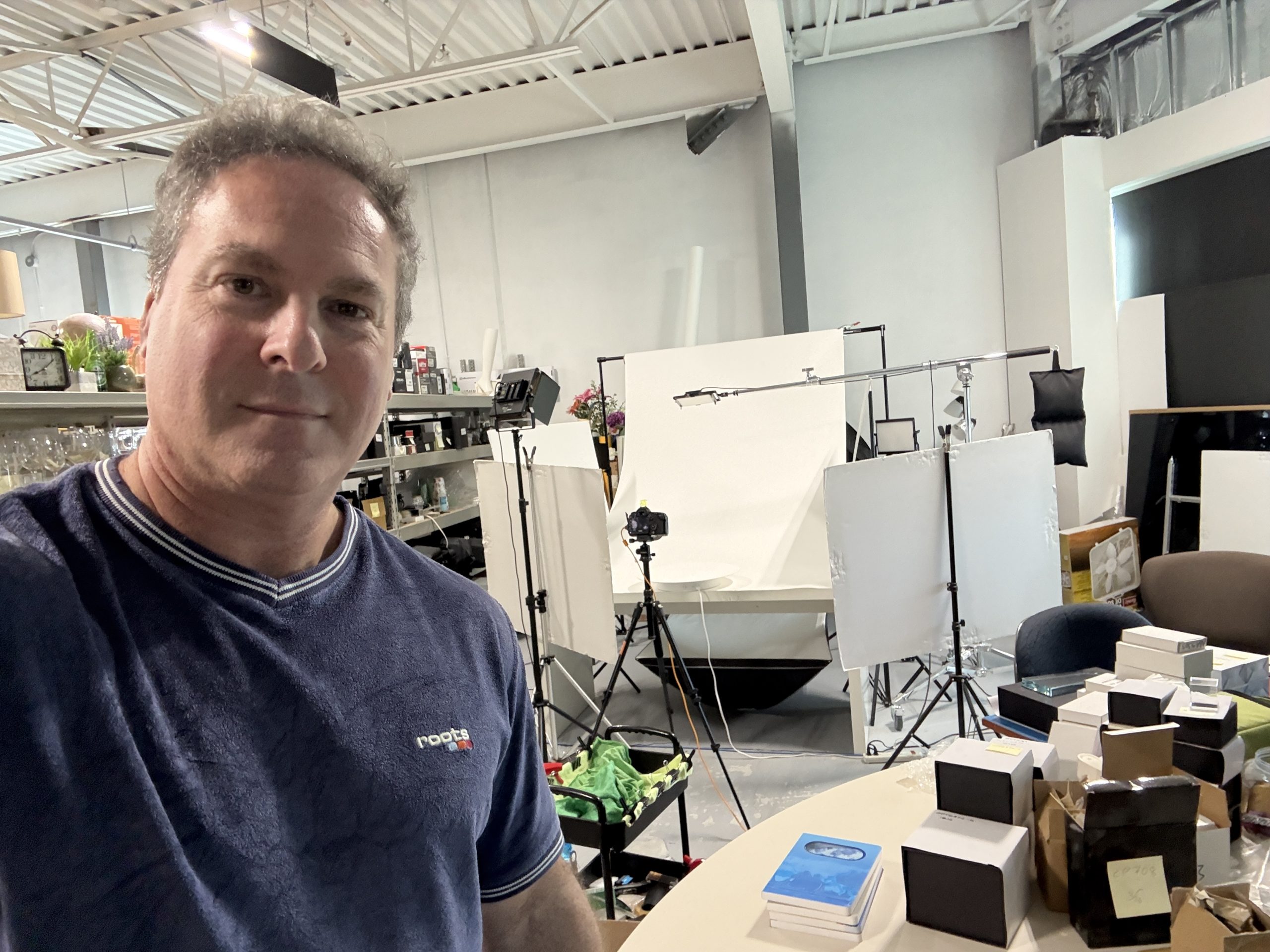
It’s picture day! That means lots of time in the studio followed by more time with Photoshop.
But not everyone has access to a studio, knowledge of Photoshop, or the budget for a high end camera.
So I thought I would share some easy tips on how to take your own product shots at home with your phone and minimal expense.
Lighting
Soft lighting is best to reduce harsh shadows. You can take photos by a window with no direct sunlight. Having the light come in at an angle creates depth, making for a more interesting photo. A piece of white foam board or poster board placed opposite the window reflects light back onto the product helping to reduce shadows.
Background
Taking a “lifestyle” photo such as fruit on a kitchen counter can make for a great photo but may be harder to create. If using a solid background, experiment with different colours based on your product and the where the photo will be used. Make sure any background material has rounded corners – no folds.
- White: Ideal for e-commerce, catalogues and clean product listings.
- Grey, beige or cream: Creates a softer, more sophisticated look.
- Coloured paper or card: Adds personality and can reinforce a brand's identity.
- Textured surfaces: Wood, stone, fabric or concrete can add context and atmosphere.
Use a tripod
Never hold the phone while taking a photo. A proper tripod (even a cheap one) will be your best purchase.
Your phone
Turn off the phone’s flash and experiment with different settings. Setting the aperture to f/8–f/11 will give you a nice depth of field. Don’t be too close to the product. You can crop the image as needed later.
Take lots of photos
Try different angles, lighting and camera settings. You may even need to make changes from one product to another based on the materials they’re made of. It’s not unusual for me to take 20-30 photos per product in a studio setting. At least double that amount in a natural setting.